Create Your Own Web Tool for Free

Variance Calculator: Analyze Data Spread with Population & Sample Options
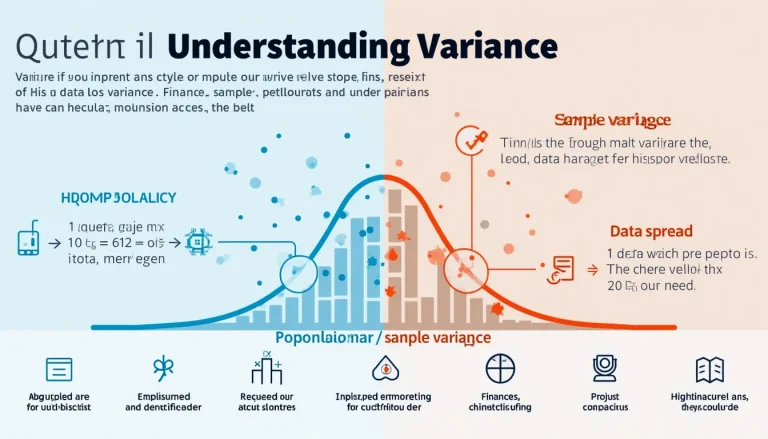
Explore the power of variance in data analysis with this comprehensive infographic, illustrating its calculation and real-world applications.

Variance tells you how tightly data points cluster around the mean. A low variance (e.g., the S&P 500’s long-run annual variance ≈ 0.035) signals steadier performance (S&P Dow Jones Indices, 2023). Use our tool: paste numbers, pick Population or Sample, press Calculate. It returns mean, variance, and standard deviation, and—if you tick the boxes—step-by-step math plus a frequency chart.

Go toVariance Calculator: Analyze Data Spread with Population & Sample Options

Correlation Coefficient Calculator: Analyze Relationships Between Variables

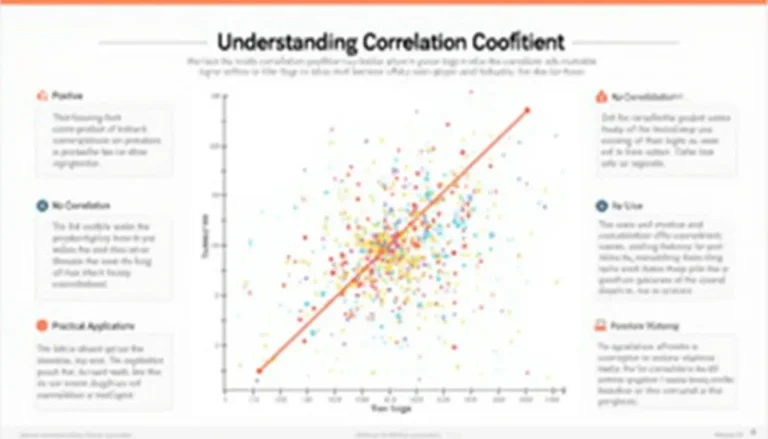
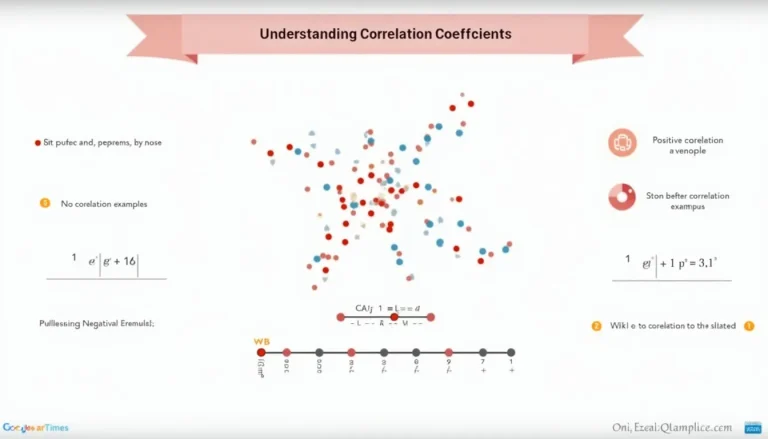
Decode the mysteries of correlation coefficients with this comprehensive infographic, illustrating key concepts from -1 to +1.

Our correlation calculator compares two numeric lists, outputs Pearson’s r, an interpretation, and a scatter plot. Paste or upload paired values—e.g., 4, 9, 11, 14 for X and 8, 11, 14, 18 for Y—then click “Calculate”. When |r| ≥ 0.7, the link is considered strong (NIST e-Handbook, https://itl.nist.gov/div898/handbook/eda/section3/eda33b.htm). Use it to confirm trends quickly in school, lab, or business work.

Go toCorrelation Coefficient Calculator: Analyze Relationships Between Variables

Correlation Coefficient Calculator: Analyze Relationships Between Variables

Dive into the world of data relationships with this comprehensive infographic on correlation coefficients, from basics to real-world applications.

Calculate how tightly two variables move together with a Pearson correlation coefficient (r). Enter paired numbers, press “Calculate,” and the tool returns r (-1 to +1), an interpretation, and a scatter plot—instantly for up to 1 000 pairs. Roughly 30 data pairs give stable estimates (NIST, 2013). A perfect fit (|r| = 1) means 100 % of the variation is explained by the line (ISO 3534-2:2006).

Go toCorrelation Coefficient Calculator: Analyze Relationships Between Variables

Cylinder Volume Calculator: Easy Tool for Precise Measurements

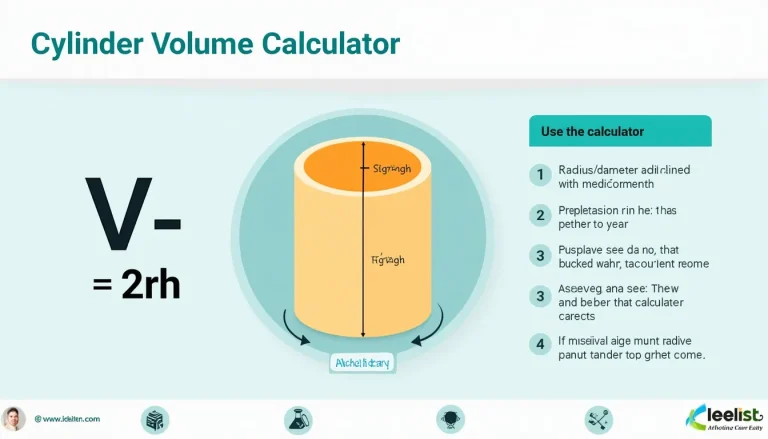
Discover the power of precision with our Cylinder Volume Calculator infographic - your go-to guide for quick and accurate volume measurements in various fields.

The calculator multiplies base area by height to give cylinder volume, then auto-converts to liters and U.S. gallons. Enter either radius or diameter plus height in the same unit, pick cm, m, in, or ft, and press “Calculate.” One cubic foot of space holds 28.3168 liters (NIST, https://physics.nist.gov/), so the tool’s liter and gallon readouts help you picture real-world capacity.

Go toCylinder Volume Calculator: Easy Tool for Precise Measurements